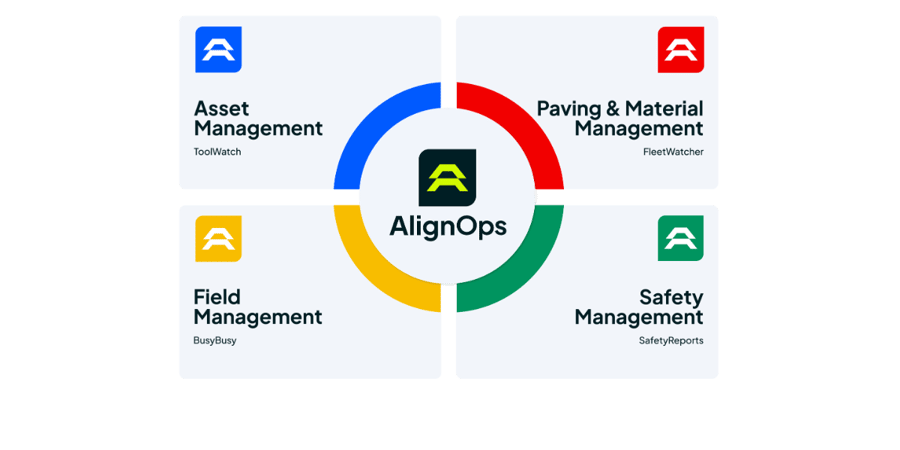
How Viewpoint Vista Syncs with AlignOps
Viewpoint Vista stays your system of record. AlignOps ToolWatch syncs Vista jobs, job costs and equipment, and writes ToolWatch equipment IDs back to Vista so the two systems stay linked. AlignOps BusyBusy pulls employees, jobs and cost codes from Vista on a regular schedule. Connect one product or both. Each connection runs on its own.
ToolWatch and BusyBusy each use Vista data for different work. Here’s what each one syncs.
AlignOps ToolWatch: Vista Jobs and Costs In, Equipment IDs Back
Bring Vista jobs into ToolWatch and keep equipment linked across both systems.


ToolWatch writes each item’s ToolWatch ID back to a custom field on your Vista equipment record, so equipment stays matched in both systems.
AlignOps BusyBusy: Vista Crews, Jobs and Cost Codes In
Clock crews in against the same jobs and cost codes your team manages in Vista.

BusyBusy names each project from the description on its linked Vista contract, so check that active jobs have a contract with a description filled in.

Built for Trimble-Hosted and On-Premise Vista
AlignOps connects to the Vista setup you already run. For Trimble-hosted Vista, there’s no server or IT install. Your AlignOps team sets up each connection and checks your Vista views and fields before you go live.
No Double Entry

Equipment Linked Both Ways
Costs on the Right Job

Hours on Vista Jobs
Built for the Field
Take Control of Your Operations Today
AlignOps delivers the real-time data you need to optimize your field, fleet, assets, and risk management—guaranteeing proven ROI on every job.