How Sage 300 CRE Syncs with AlignOps
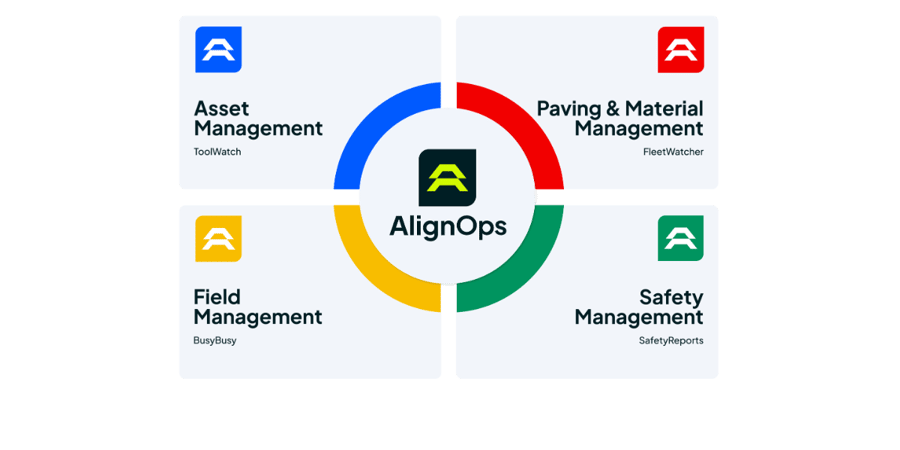
Sage 300 CRE stays your system of record. AlignOps ToolWatch reads your Sage job cost tables directly over ODBC. AlignOps BusyBusy connects through hh2 and keeps your employee roster, jobs and cost codes current on a regular schedule. Connect one product or both. Each connection runs on its own.
ToolWatch and BusyBusy each use Sage 300 CRE data for different work. Here’s what each one syncs.
AlignOps ToolWatch: Sage Jobs and Rate Sheets In, Names Both Ways
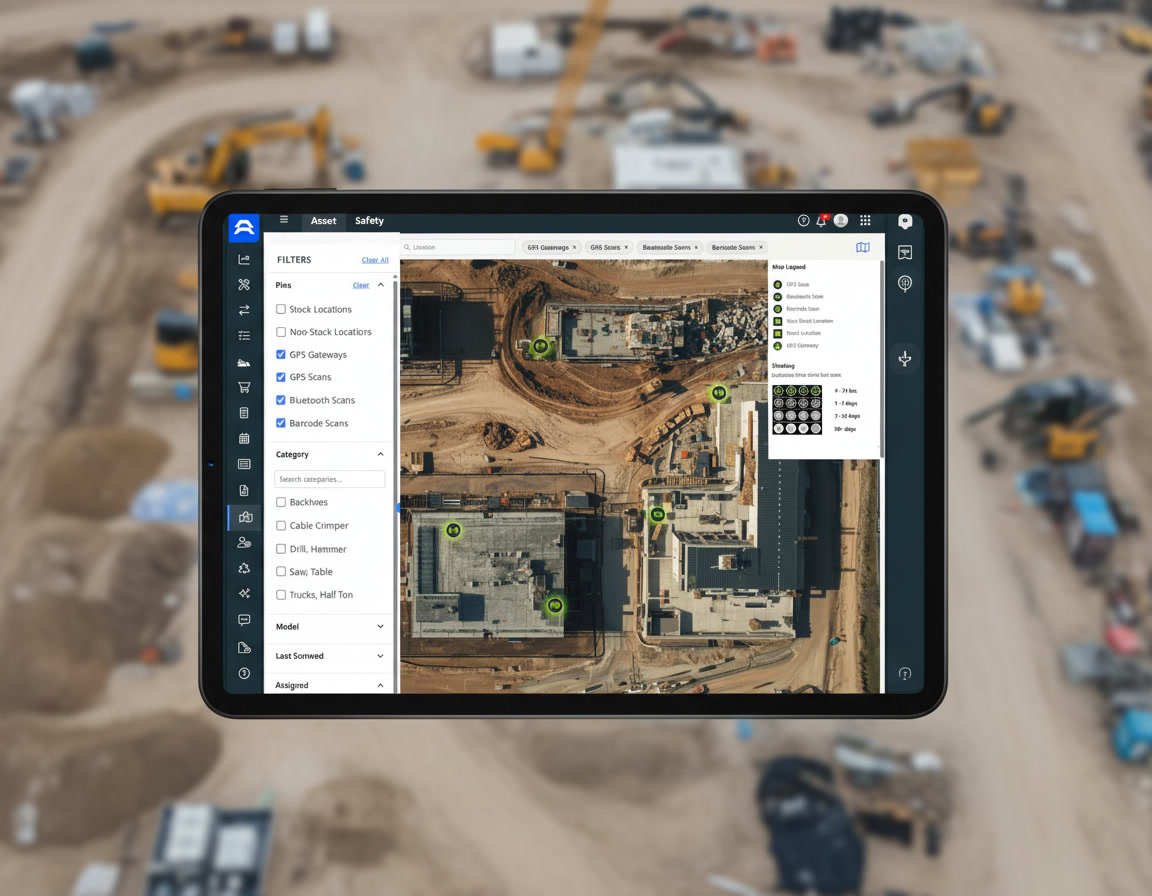
Bring Sage 300 CRE jobs and rate sheets into ToolWatch, so equipment charges land on the right job at the right rate.




Jobs and employees match on the Job Number and Employee Number your team already uses in Sage. If someone changes a name in both systems, the most recent change wins.
AlignOps BusyBusy: Crews, Jobs and Cost Codes In, Hours Out
Clock crews in against the same jobs and cost codes your accounting team set up in Sage 300 CRE.

Employees, jobs and cost codes sync through hh2 on a regular schedule. Hours go back to Sage through the AlignOps Macro Integration, which is set up and priced separately.

Built for Standard Sage 300 CRE Job Cost Data
AlignOps works with your existing Sage 300 CRE setup, so there’s nothing to reconfigure. If your team has renamed core job cost tables or uses custom rate sheet fields, your AlignOps team will check the connection before you go live.
No Double Entry

Matched, Not Guessed

Equipment Charged to the Job

Hours Ready for Payroll

Built for the Field
Take Control of Your Operations Today
AlignOps delivers the real-time data you need to optimize your field, fleet, assets, and risk management—guaranteeing proven ROI on every job.