How Geotab Syncs with AlignOps
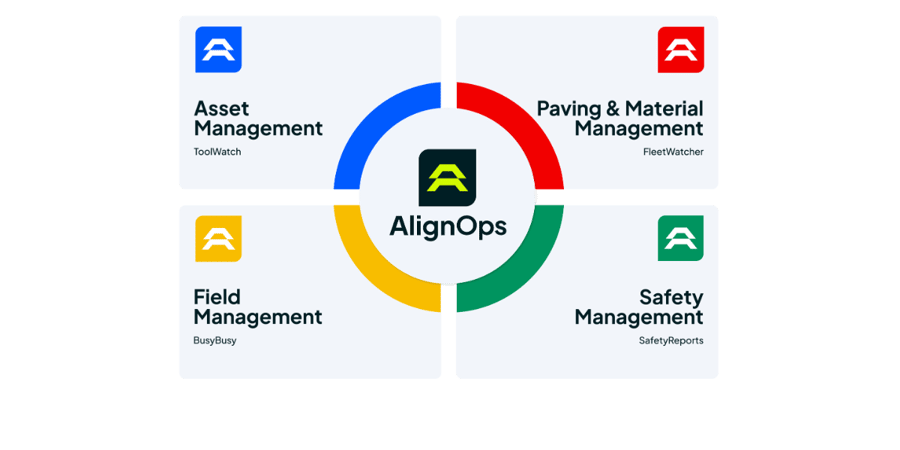
AlignOps FleetWatcher and AlignOps ToolWatch each pull data from your Geotab account through Geotab’s cloud API on a regular schedule. Nothing is written back to Geotab. FleetWatcher uses Geotab GPS to follow trucks through the haul cycle. ToolWatch uses Geotab vehicle and odometer data to keep equipment records and service schedules current. Connect one product or both. Each connection runs on its own.
FleetWatcher and ToolWatch use Geotab data for different jobs. Here’s what each one pulls in.
AlignOps FleetWatcher: Geotab Trucks and GPS In
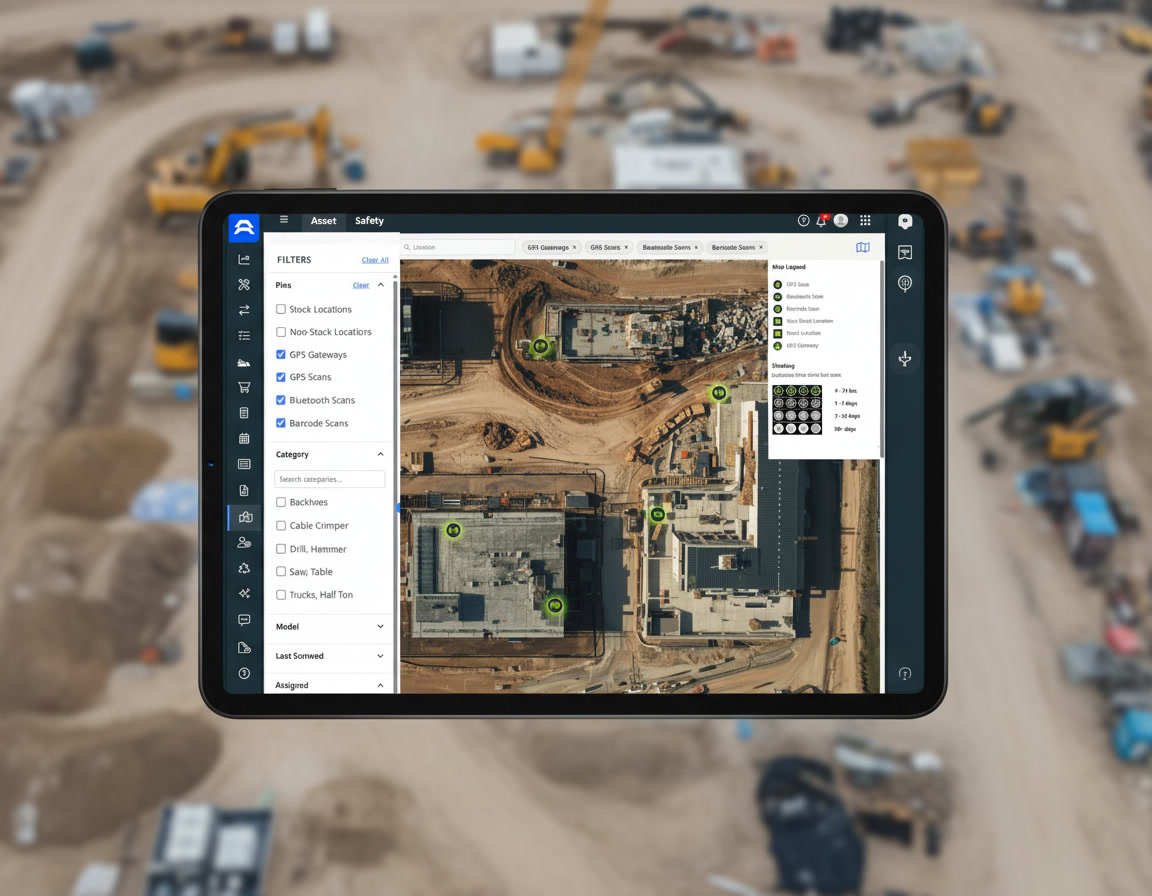
See every Geotab-equipped truck on the FleetWatcher map, right next to the rest of your haul fleet.


Each Geotab vehicle comes into FleetWatcher as a virtual device. Once it’s matched to a truck, it shows on the map and in reports like any other FleetWatcher GPS device.
AlignOps ToolWatch: Geotab Vehicles and Odometer Readings In
Let Geotab mileage drive your ToolWatch service schedules, so no one has to write down odometer readings by hand.


ToolWatch matches each Geotab vehicle to a ToolWatch item by VIN. If no item matches, ToolWatch creates one. Odometer readings post as meter readings that can trigger scheduled service.

Built for Your Existing Geotab Account
AlignOps connects to the Geotab account you already run, so your devices, plans and MyGeotab portal stay the same. Your AlignOps team sets up each connection and matches your Geotab vehicles to the right trucks and equipment before you go live.
No New Hardware
Every Truck on One Map
Service on Schedule
Your Geotab Account Stays As-Is
One Connection per Product
Take Control of Your Operations Today
AlignOps delivers the real-time data you need to optimize your field, fleet, assets, and risk management—guaranteeing proven ROI on every job.