Skip to content
Integration

AlignOps ToolWatch + Viewpoint Vista

Track every tool and piece of equipment against the same jobs your accounting team runs in Vista. Jobs and job costs flow into ToolWatch, and equipment stays matched in both systems.

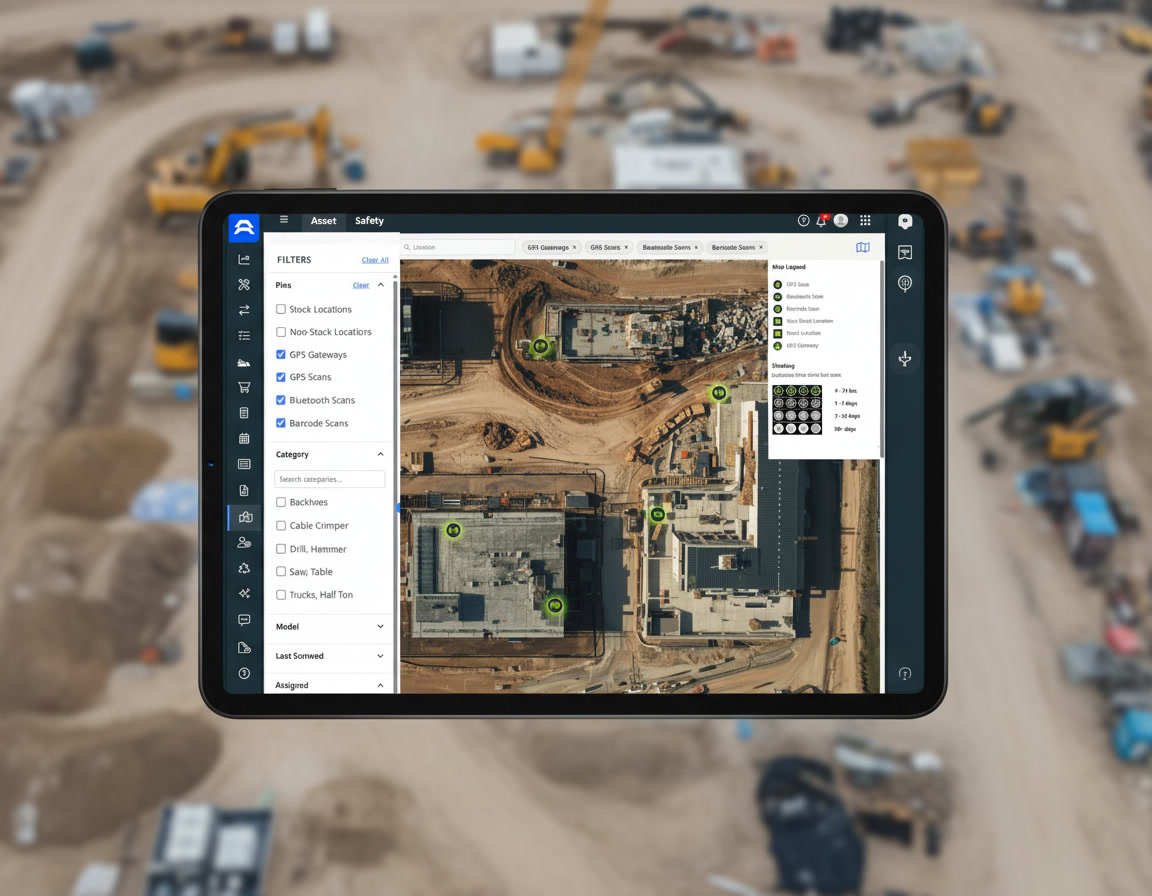
New Universal Map Mockup 2

How Viewpoint Vista and ToolWatch Sync

AlignOps’ ToolWatch connector pulls jobs and job costs from Viewpoint Vista on a regular schedule, so nobody exports or re-keys them. Each Vista job comes into ToolWatch as a Location, a Cost Center or both. ToolWatch also writes each equipment item’s ToolWatch ID back to your Vista equipment record, so the two systems stay linked.


Exactly what syncs between ToolWatch and Viewpoint Vista

ToolWatch
 
Viewpoint Vista logo
In ToolWatch Sync In Viewpoint Vista
Locations
arrow-left-long
Jobs
Cost Centers
arrow-left-long
Jobs
Job Costs
arrow-left-long
Job Costs
Equipment
arrows-left-right
Equipment

ToolWatch writes each item’s ID to a custom field on your Vista equipment record, so equipment stays matched in both systems.

two men wearing hard hats looking at laptop

Built for Trimble-Hosted and On-Premise Vista

ToolWatch connects to the Vista setup you already run, so your jobs, cost structure and equipment records stay the same. Your Vista admin adds one custom field to the equipment table, and your AlignOps team sets up the connection and checks your Vista views before you go live.
Why Contractors Connect ToolWatch to Viewpoint Vista

Keep Vista as the record for jobs and costs while your crews and tool room track equipment in an app built for the field.


repeat

No Double Entry

Vista jobs come into ToolWatch automatically, so nobody re-keys them in the tool room.
arrows-left-right

Equipment Linked Both Ways

ToolWatch writes its equipment IDs back to Vista, so every asset matches across systems.
screwdriver-wrench

Costs on the Right Job

ToolWatch uses Vista jobs and job costs, so equipment charges land where accounting expects them.
handshake-simple

Your Choice of Setup

Bring Vista jobs in as Locations, Cost Centers or both, to fit how your team tracks equipment.
user-helmet-safety

Built for the Field

Foremen and the tool room work from the same job list as the back office.

Talk with a ToolWatch specialist

Frequently asked integration questions

ToolWatch pulls Vista jobs and job costs, and syncs equipment both ways. Jobs can come in as ToolWatch Locations, Cost Centers or both.

The ToolWatch connector reads from Vista on a regular schedule and writes each equipment item’s ToolWatch ID to a custom field on your Vista equipment record. Book a demo and talk with a specialist to learn more today.

Mostly no. Vista is the source of truth for jobs and job costs. Equipment is the exception: ToolWatch writes its equipment IDs back to Vista to keep assets matched.

Your Vista admin adds one custom field to the equipment table so ToolWatch can store its IDs there. Your AlignOps team gives you the field details during setup.

Yes. AlignOps BusyBusy pulls Vista employees, jobs and cost codes for time tracking. See the [Viewpoint Vista integrations page] for both products.

Take Control of Your Operations Today

AlignOps delivers the real-time data you need to optimize your field, fleet, assets, and risk management—guaranteeing proven ROI on every job.
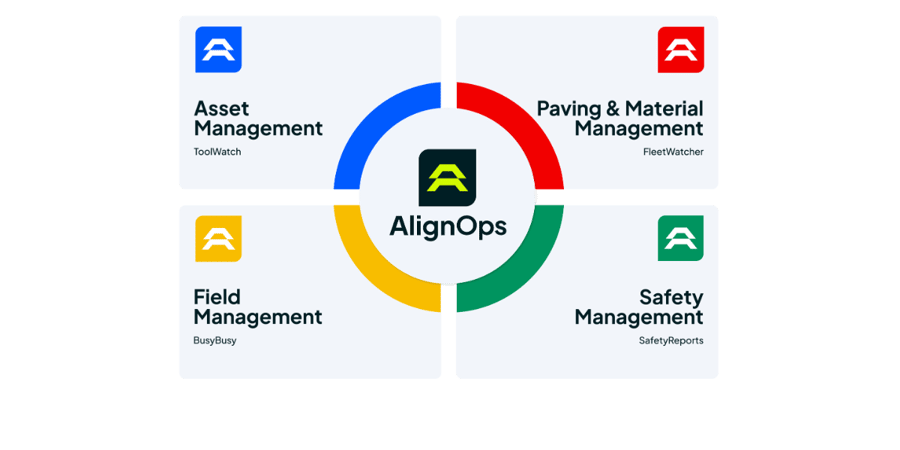
alignops products-2