Skip to content
Integration

AlignOps ToolWatch + Sage 300 CRE

Keep job costs accurate without double entry. AlignOps ToolWatch connects directly to Sage 300 CRE, so job cost data stays in sync between the field and the back office.

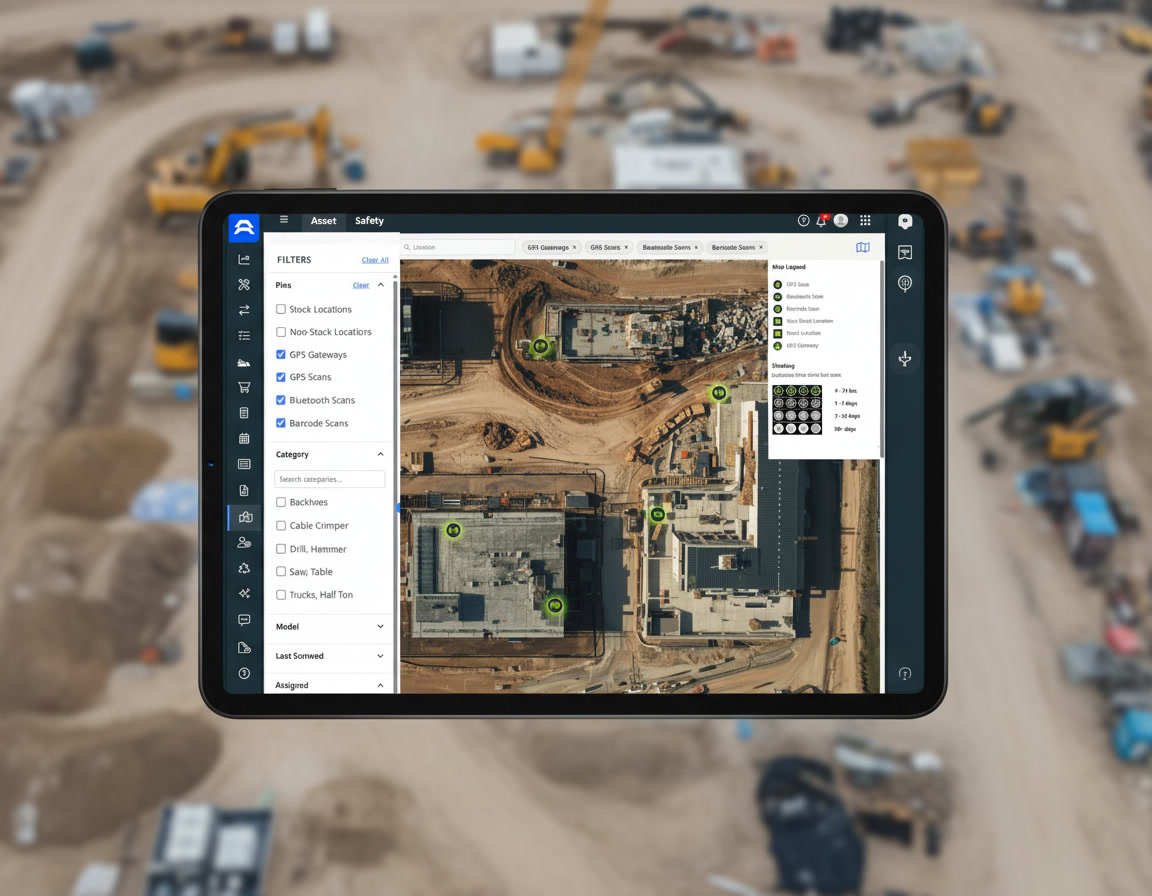
New Universal Map Mockup 2

How Sage 300 CRE and ToolWatch Sync

AlignOps’ ToolWatch connector reads your Sage 300 CRE database directly over ODBC — no manual exports, no re-keying. Jobs and employees match using Job Number and Employee Number, the same identifiers your team already uses in Sage.


Exactly what syncs between ToolWatch and Sage 300 CRE

ToolWatch
 
Sage 300 CRE
In ToolWatch Sync In Sage 300 CRE
Jobs & Extras
arrow-left-long
Jobs & Extras
Employee & Job Names
arrows-left-right
Employee & Job Names
Rate Sheets
arrow-left-long
Rate Sheets
two men wearing hard hats looking at laptop

Built for Standard Sage 300 CRE Job Cost Data

ToolWatch works with your existing Sage 300 CRE job cost tables and rate sheet fields — no reconfiguration required. If your team has renamed core job cost tables or set up custom rate sheet fields, your AlignOps rep can help make sure the connection is ready before you go live.
Why Contractors Connect ToolWatch to Sage 300 CRE

Eliminate manual data entry between the field and your accounting system, and keep job costs accurate from bid to close-out.


repeat

No Double Entry

Jobs, extras, and rate sheets sync automatically from Sage 300 CRE, so your field team never re-keys job cost data.
handshake-simple

Matched, Not Guessed

ToolWatch matches jobs and employees using the same Job Number and Employee Number your team already uses in Sage.
clock-two

Real-Time Job Costing

Job cost data flows in automatically, so crews and project managers are always working from current numbers.
align arrow icon

Two-Way Name Updates

Employee and job name changes sync in both directions, so records stay consistent across systems.
user-helmet-safety

Built for the Field

Synced job cost data reaches foremen and crews on site, not just the back office.

Talk with a ToolWatch specialist

Frequently asked integration questions

ToolWatch syncs Jobs and Extras, Employee and Job names, and Rate Sheets from Sage 300 CRE's job cost tables. Job Number and Employee Number are used as the match keys between the two systems.

ToolWatch reads Sage 300 CRE's job cost data directly from its JCM_MASTER__Job and JCM_MASTER__Extra tables via ODBC. If a customer renames those underlying SQL tables, the sync breaks.

Book a demo and talk with a specialist to learn more today. 


Most data flows one-way from Sage 300 CRE into ToolWatch. Employee and Job name fields are the exception — they sync bidirectionally, on a last-sync-wins basis (whichever system updates the name most recently is what sticks).


Yes. Rate Sheet data can fail to sync if a customer uses non-standard custom field names in Sage 300 CRE.


Take Control of Your Operations Today

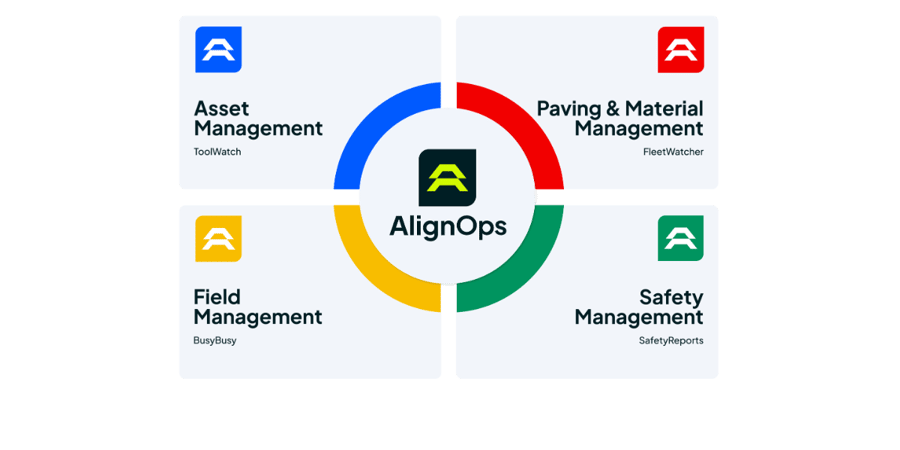
AlignOps delivers the real-time data you need to optimize your field, fleet, assets, and risk management—guaranteeing proven ROI on every job.
alignops products-2