Skip to content
Integration

AlignOps FleetWatcher + Komatsu Komtrax

See your Komatsu machines alongside the rest of your paving operation. FleetWatcher connects to Komtrax, so location and hour meter data from your Komatsu equipment flows in without adding hardware.

the true value of telematics in construction

How Komatsu Komtrax and FleetWatcher Sync

AlignOps' FleetWatcher connector pulls machine data from your Komtrax account using AEMP 2.0 (ISO 15143-3), the telematics standard built for heavy equipment. It checks Komtrax on a regular schedule, so there are no portal logins or manual exports. Each Komatsu machine is matched to its equipment record in FleetWatcher.

Exactly what syncs between FleetWatcher and Komatsu Komtrax


FleetWatcher-color-black


imageedit_1_4632121197

Machines arrow-left-long Machines 
GPS Location arrow-left-long GPS Location

Hour Meter

arrow-left-long Hour Meter

Fuel Used 

arrow-left-long Fuel Used

Fault Codes

arrow-left-long Fault Codes 


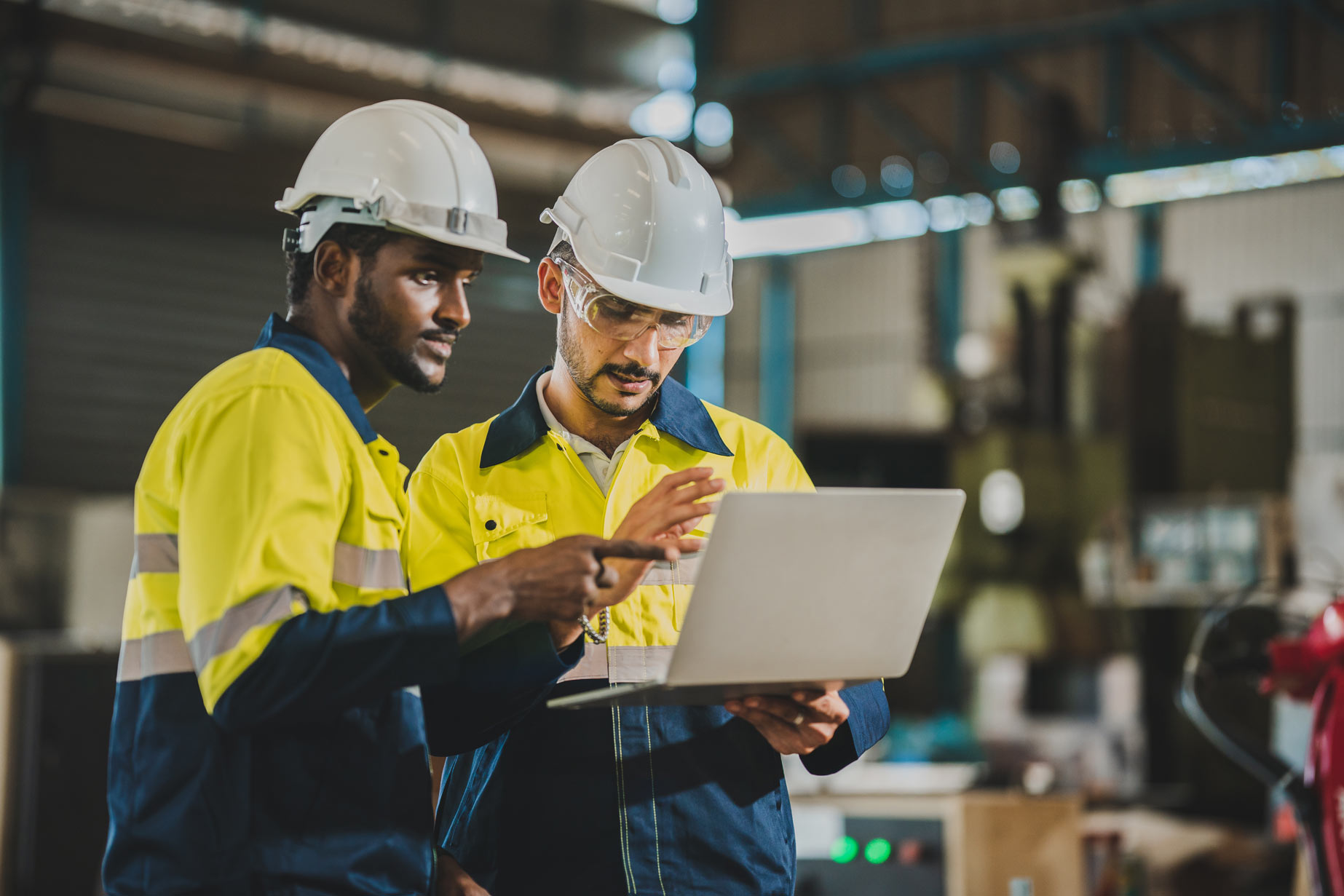
two men wearing hard hats looking at laptop

Built for Komtrax-Equipped Machines

FleetWatcher uses the Komtrax telematics that come factory-installed on your Komatsu equipment, so there's nothing to install on the machine. Your equipment manager requests Komtrax API credentials from Komatsu, and your AlignOps team connects the account and matches each machine before you go live. For older machines without Komtrax, FleetWatcher also offers plug-in devices with a Komatsu harness.
Why Paving Contractors Connect FleetWatcher to Komatsu

Bring your Komatsu machines into the same view as your trucks and pavers, without logging into another OEM portal.


repeat

No new hardware

FleetWatcher reads the Komtrax data your Komatsu machines already send, so there's nothing to install.
handshake-simple

Built on industry standards

The connection uses AEMP 2.0 (ISO 15143-3), the telematics standard Komatsu and other equipment makers support.
clock-two

Hours without the walk around

Hour meter readings come in automatically, so nobody has to walk the yard to write them down.
align arrow icon

Your Komtrax account stays as is

The connection only reads from Komtrax. Your dealer's view and your Komtrax settings don't change.
user-helmet-safety

One fleet, one map

Komatsu machines show next to the rest of your equipment in FleetWatcher, so you can see what's on each jobsite.

Book a demo with a FleetWatcher specialist

Frequently asked integration questions

FleetWatcher pulls each machine's identity, current location and hour meter from Komtrax. Each machine shows in FleetWatcher once it's matched to an equipment record.


FleetWatcher connects to Komatsu's Komtrax API using the AEMP 2.0 (ISO 15143-3) telematics standard and checks for the latest machine readings on a regular schedule. Your equipment manager requests API credentials from Komtrax Support, and the AlignOps team handles the rest. 

Book a demo and talk with a specialist to learn more today. 


No. Data flows one way, from Komtrax into FleetWatcher. FleetWatcher doesn't change anything in your Komtrax account.


Not for machines with Komtrax. The integration uses the telematics Komatsu already built in. For machines without Komtrax, FleetWatcher offers plug-in devices with a Komatsu harness.


Yes. FleetWatcher also connects to John Deere and Caterpillar through AEMP 2.0, so a mixed fleet shows in one place. 


Take Control of Your Operations Today

AlignOps delivers the real-time data you need to optimize your field, fleet, assets, and risk management—guaranteeing proven ROI on every job.
alignops products-2