Skip to content
Integration

AlignOps ToolWatch + Procore

Tie every tool and piece of equipment to the projects you already run in Procore. Projects and people flow into ToolWatch, with no double entry.

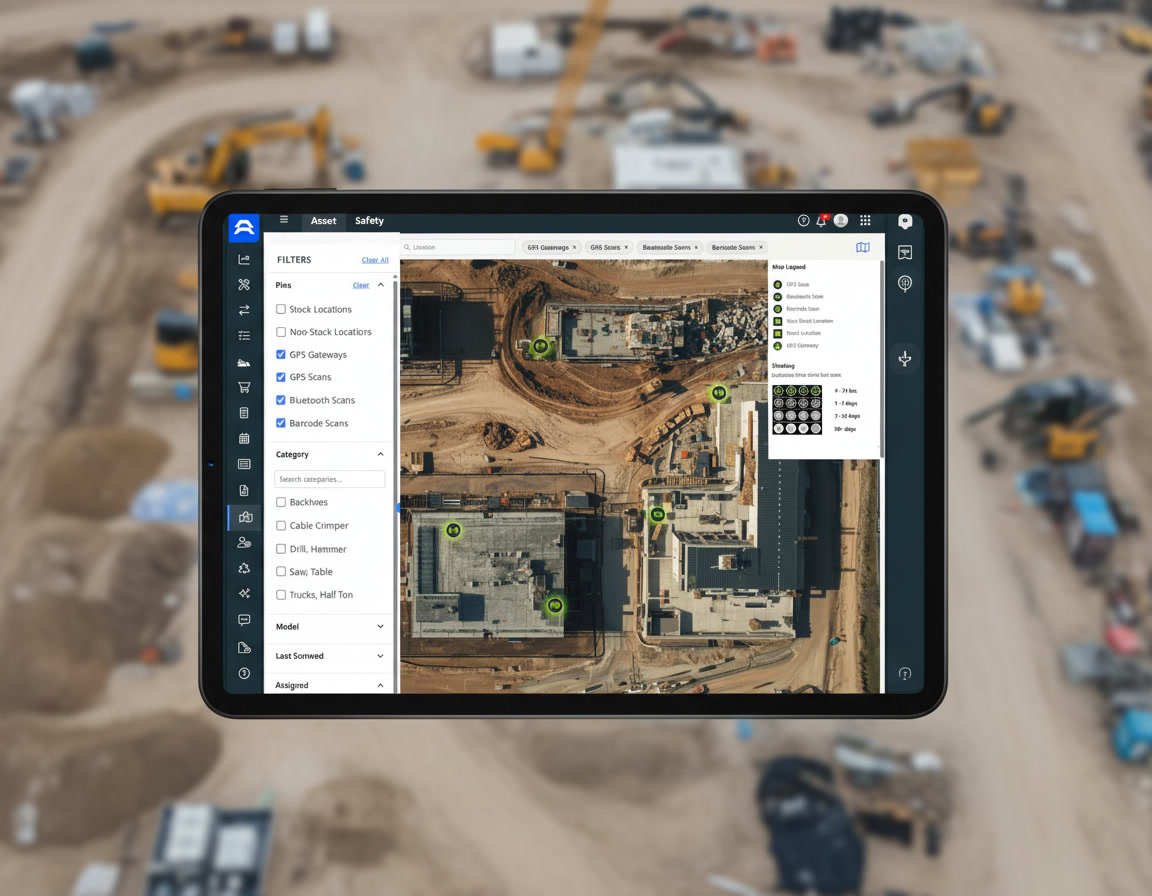
New Universal Map Mockup 2

How Procore and ToolWatch Sync

AlignOps’ ToolWatch connector pulls projects and people from Procore’s cloud API on a regular schedule, so your tool room works from the same project list as your project managers. In ToolWatch settings, you choose whether Procore projects come in as Locations, Cost Centers or both. [ToolWatch then sends equipment back to the Procore project.]


Exactly what syncs between ToolWatch and Procore

ToolWatch
 
Procore logo
In ToolWatch Sync In Procore
Employees
arrow-left-long
Directory (People)
Locations
arrow-left-long
Projects
Cost Centers
arrow-left-long
Projects

In ToolWatch settings, you choose whether Procore projects come in as Locations, Cost Centers or both.

two men wearing hard hats looking at laptop

Built for Contractors Who Run Their Jobs in Procore

ToolWatch connects to the Procore company you already use, so your projects, directory and permissions stay the same. ToolWatch is an approved app on the Procore App Marketplace. Your AlignOps team sets up the connection and maps your projects before you go live.
Why Contractors Connect ToolWatch to Procore

Keep Procore as your project record while your tool room tracks equipment in an app built for the field.


repeat

No Double Entry

Procore projects and people come into ToolWatch automatically, so nobody re-keys them.
handshake-simple

Set Up Your Way

Bring Procore projects in as ToolWatch Locations, Cost Centers or both.
screwdriver-wrench

Equipment Tied to the Project

Every tool and piece of equipment is assigned to a real Procore project.
user-group

The Right People

Employees come from your Procore directory, so every checkout ties to someone on the job.
store

On the Procore Marketplace

ToolWatch is an approved Procore App Marketplace app.

Talk with a ToolWatch specialist

Frequently asked integration questions

ToolWatch pulls Procore projects and people from your directory. Projects can come in as ToolWatch Locations, Cost Centers or both. [Equipment goes back to the Procore project.]

ToolWatch connects to Procore's cloud API as an approved Procore Marketplace app and checks for new and changed projects on a regular schedule. Book a demo and talk with a specialist to learn more today.

[Mostly no. Procore is the source of truth for projects and people.]

Either, or both. You pick in ToolWatch settings, based on how your team tracks equipment.

Yes. AlignOps BusyBusy sends hours to Procore Timecard, and SafetyReports files inspections in Procore Documents. See the [Procore integrations page] for all three.

Take Control of Your Operations Today

AlignOps delivers the real-time data you need to optimize your field, fleet, assets, and risk management—guaranteeing proven ROI on every job.
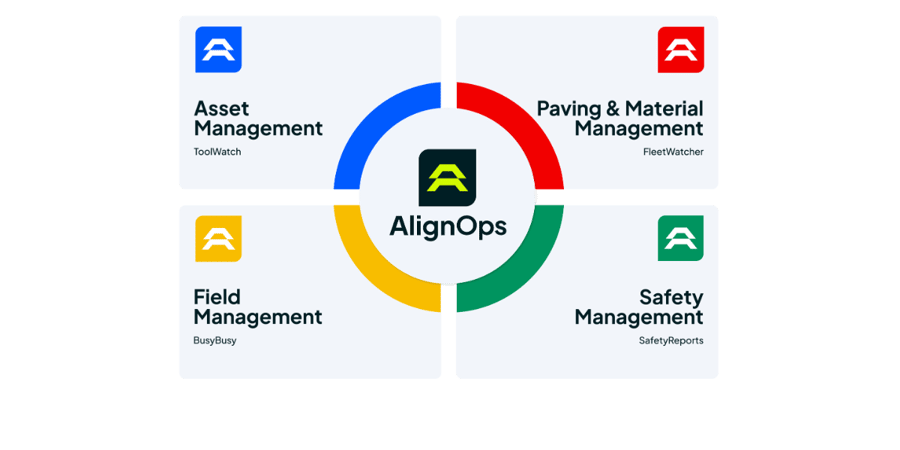
alignops products-2