Skip to content
Integration

AlignOps ToolWatch + DEWALT Tool Connect

Track tools with the DEWALT Tool Connect tags already on them. ToolWatch picks up each tag over Bluetooth from your phone or an AlignOps gateway, so you can see where tagged tools were last scanned.

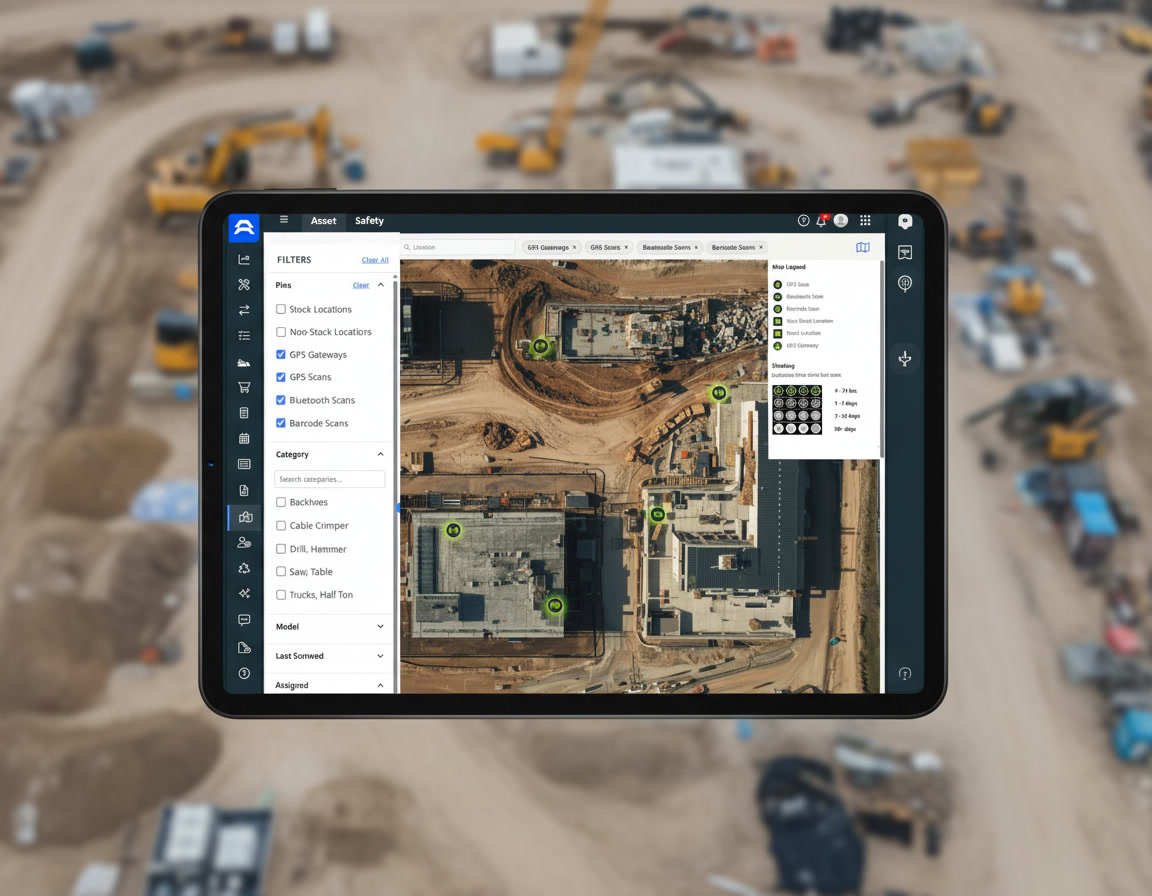
New Universal Map Mockup 2

How DEWALT Tool Connect Tags Work with ToolWatch

DEWALT Tool Connect tags broadcast a Bluetooth signal. Register each tag in ToolWatch and link it to the item it is attached to. When the ToolWatch mobile app or an AlignOps gateway picks up that signal, the scan is logged on the item, along with the location where it was seen.

Exactly what ToolWatch reads from DEWALT Tool Connect

ToolWatch
 
DEWALT logo
In ToolWatchSyncFrom DEWALT
Tagged Items
arrow-left-long
Tool Connect Tags
Mobile App Scans
arrow-left-long
Tag Bluetooth Signal
Gateway Scans
arrow-left-long
Tag Bluetooth Signal

ToolWatch reads the Bluetooth signal from each DEWALT Tool Connect tag. Ask your AlignOps team which DEWALT tag models your gateways can read.

two men wearing hard hats looking at laptop

Built for the DEWALT Tags You Already Use

If your tools already carry DEWALT Tool Connect tags, you can register them in ToolWatch and link them to your items instead of re-tagging. Your AlignOps team checks which of your tag models your gateways can read before you go live.
Why Contractors Connect ToolWatch to DEWALT

Keep using the DEWALT tags already on your tools, and see their scans in the same system that runs your tool room.


repeat

Find Tools Over Bluetooth

The ToolWatch mobile app picks up nearby DEWALT tags without scanning a barcode.
align arrow icon

Each Tag Linked to an Item

Every DEWALT tag is linked to an item in ToolWatch, so each scan lands on the right record.
screwdriver-wrench

Gateways Watch the Tool Room

AlignOps gateways pick up tags in range and log where each tagged item was seen.
user-group

More Than One Brand

ToolWatch also reads Milwaukee and AlignOps tags, so mixed tool fleets live in one system.
user-helmet-safety

Built for the Field

Foremen and the tool room see the same scan history for every tagged tool.

Talk with a ToolWatch specialist

Frequently asked integration questions

ToolWatch reads the Bluetooth signal from DEWALT Tool Connect tags. Link each tag to an item in ToolWatch, and scans from the ToolWatch mobile app or an AlignOps gateway are logged on that item.

DEWALT Tool Connect Tags (DCE041) can be scanned with the ToolWatch mobile app. Gateway support depends on the tag model and the type of gateway, so your AlignOps team confirms your tags before you go live.

No. Register the DEWALT tags already on your tools in ToolWatch and link each one to its item.

Yes. Each item’s scan history in ToolWatch shows when its tag was picked up and at which location.

Yes. ToolWatch also reads Milwaukee tags and AlignOps tags with the mobile app and AlignOps gateways, so you can track a mixed set of tools in one system.

Take Control of Your Operations Today

AlignOps delivers the real-time data you need to optimize your field, fleet, assets, and risk management—guaranteeing proven ROI on every job.
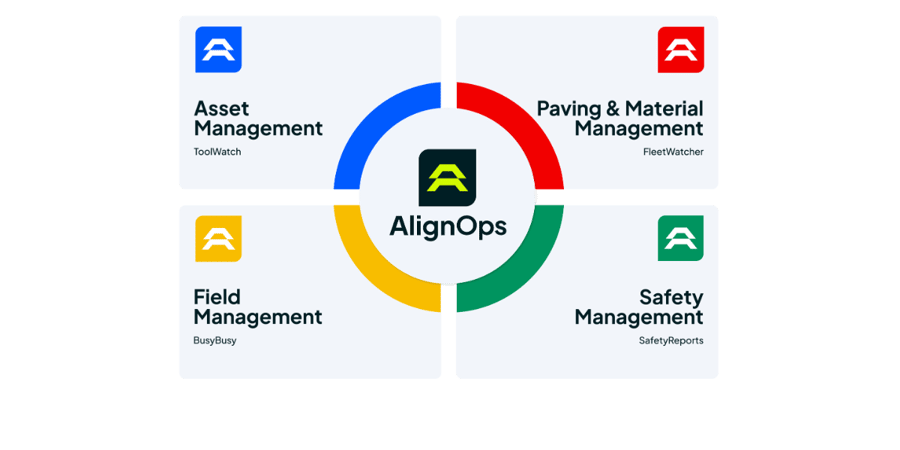
alignops products-2