How Connex and FleetWatcher Sync
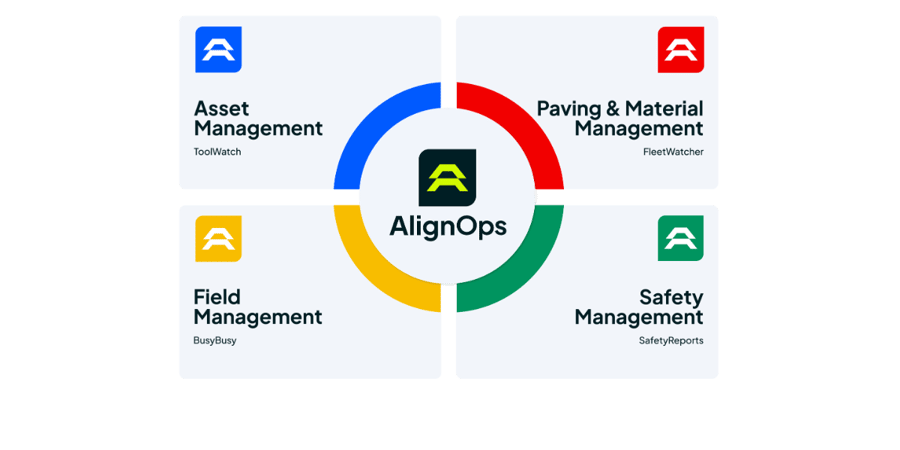
FleetWatcher pulls scale tickets from Command Alkon CONNEX about every five minutes, with nothing installed on your side. Each ticket lands in FleetWatcher's shared ticket system, the same one that handles FastWeigh and other scale vendors, and matches to the plant, job, material and truck.

Your AlignOps team maps your CONNEX ticket fields during setup. Dump locations come from FleetWatcher's own truck GPS.

Built for Command Alkon Plants
Command Alkon systems carry a large share of materials ticket data, so many of the plants your crews buy from already run CONNEX. FleetWatcher reads those tickets as they are, with nothing for the plant to change.
Tickets Without Paper
Loads Matched to Trucks
Every Ton Counted
Where Every Load Went
Fresh Every Five Minutes
Take Control of Your Operations Today
AlignOps delivers the real-time data you need to optimize your field, fleet, assets, and risk management—guaranteeing proven ROI on every job.