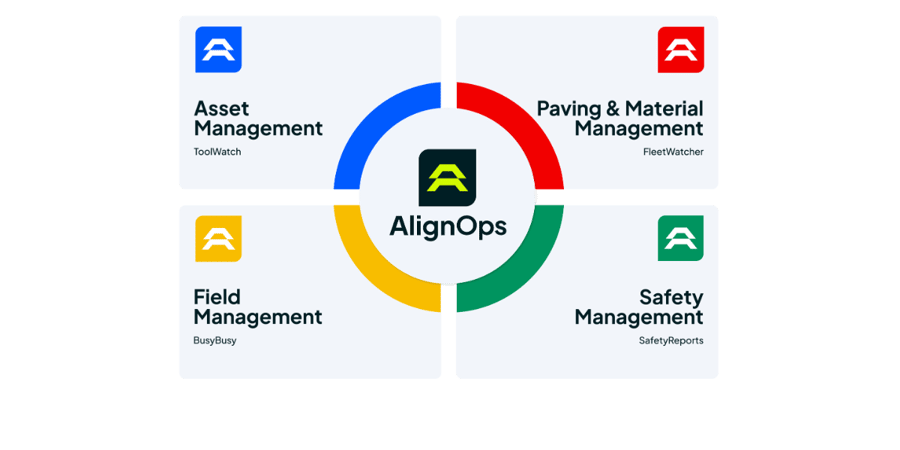
How CMiC and ToolWatch Sync
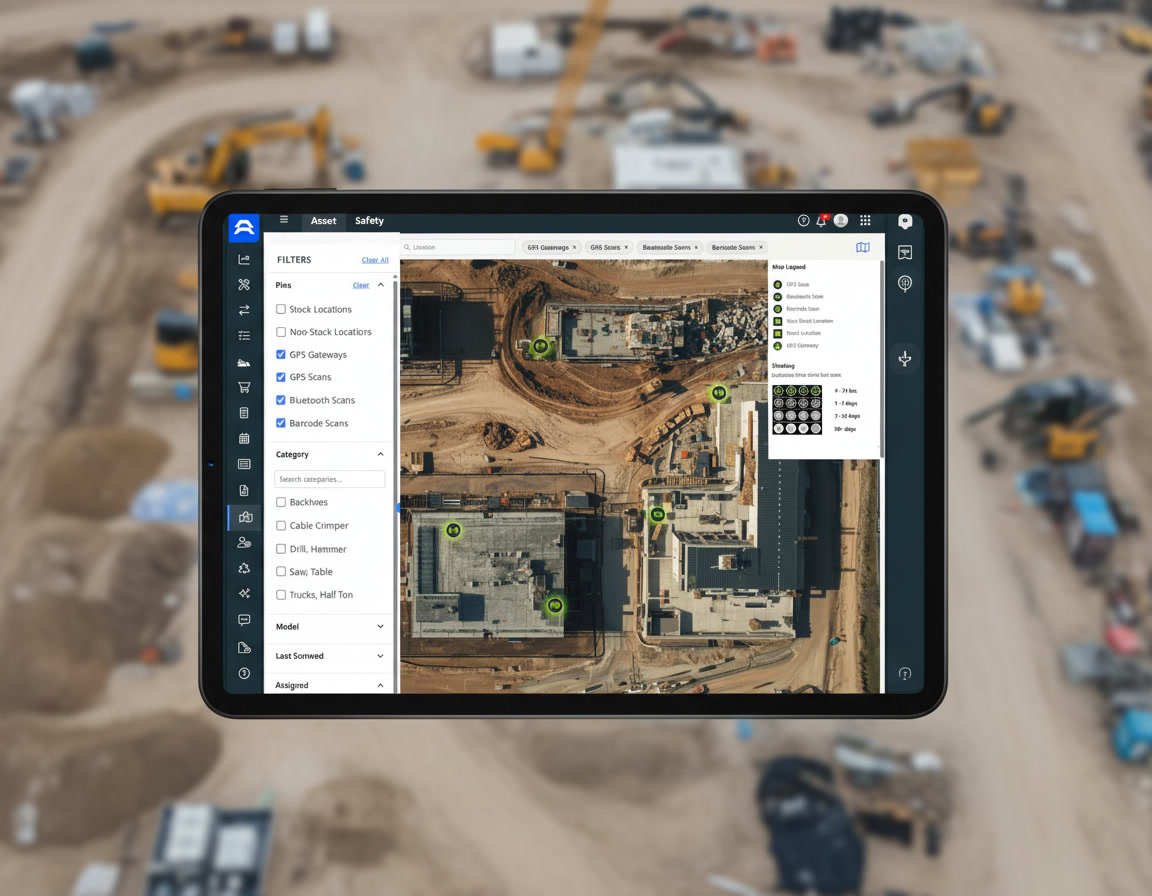
AlignOps’ ToolWatch connector pulls jobs from CMiC’s cloud API on a regular schedule, so there’s no server software to install and no manual exports. For each active job, ToolWatch brings in the job code, name and phases. Your tool room picks from the same job list your accounting team keeps in CMiC.


ToolWatch matches jobs on the CMiC job code and keeps job names current on each sync.

Built for CMiC Cloud
ToolWatch connects straight to your CMiC environment through CMiC’s API, so there’s nothing for IT to install or maintain. Your CMiC admin sets up API access, and your AlignOps team connects the account and checks your active jobs before you go live.
No Double Entry
Nothing to Install
Only Active Jobs
Equipment on the Right Job
Built for the Field
Take Control of Your Operations Today
AlignOps delivers the real-time data you need to optimize your field, fleet, assets, and risk management—guaranteeing proven ROI on every job.