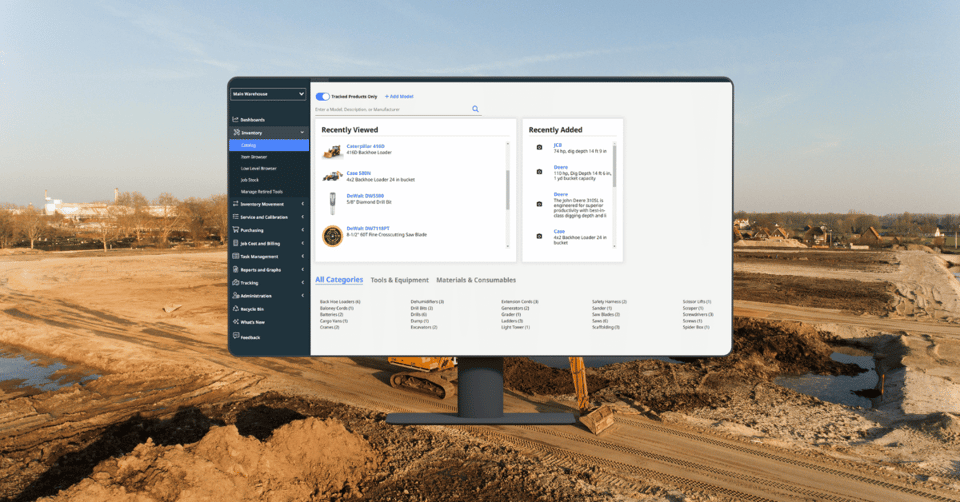
Spot hidden trends and uncover new insights from your existing data. With AlignOps's new OData API connection, you can pull AlignOps data and combine it with data from your other systems within a business intelligence platform like Tableau or Power BI. This way, you can create easy-to-understand visuals that help scale your operations with data-backed decisions.
Achieve More With AlignOps' OData API Connection
Connect Your Data for Streamlined Reporting
Connecting your AlignOps data with other data sources creates a centralized hub for your reporting. It becomes faster and easier to provide your crew with the information they need when they need it without having to look at multiple systems.
Transform Data into Decisions
With the ability to pull data directly into platforms like Tableau and Power BI, you can create detailed reports and dashboards that simplify your data into easy-to-understand tables and charts. These visualizations make it easier for teams across your organization to understand and act on the data, improving collaboration across your operations.
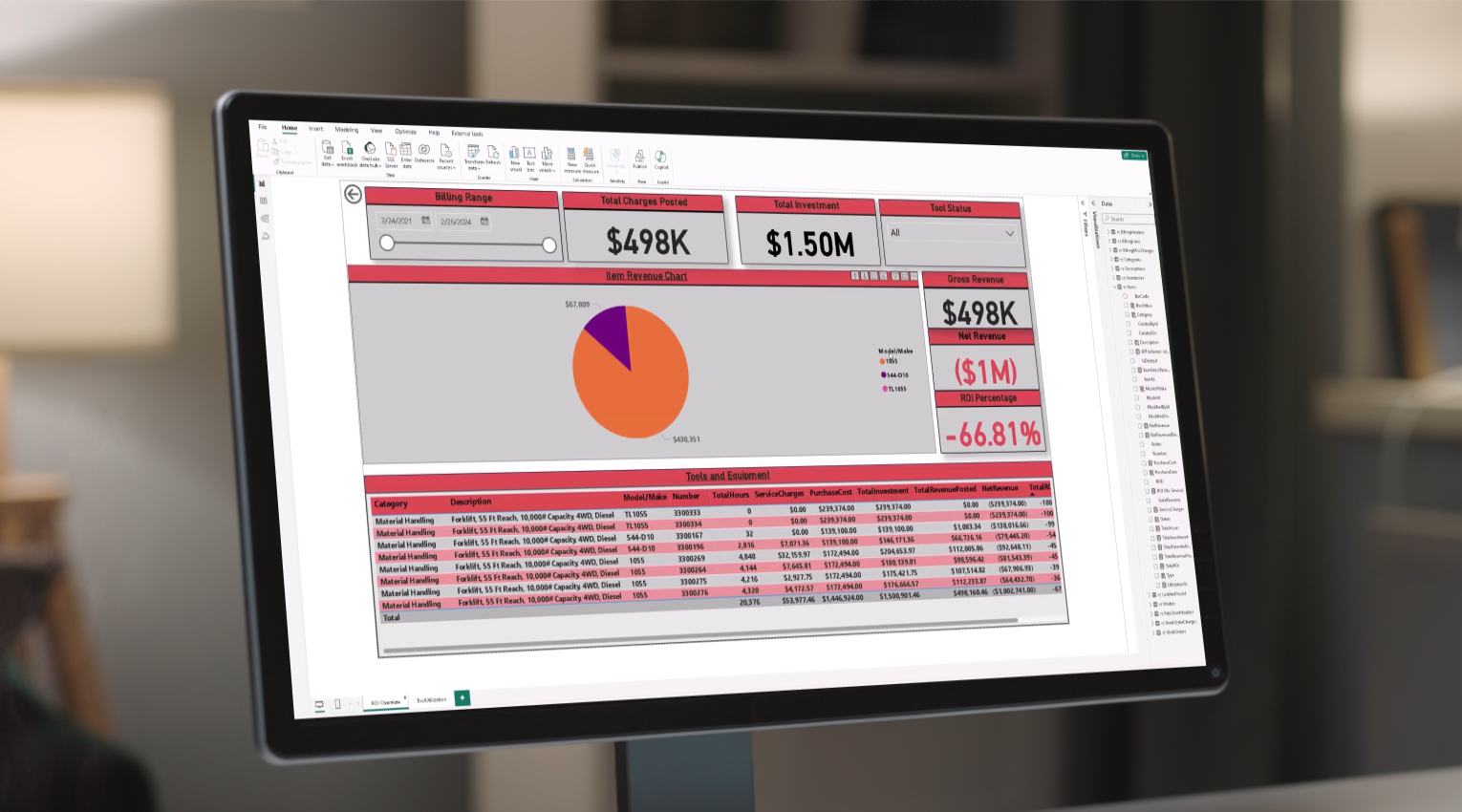
How to Leverage AlignOps' OData API Connection
When you have a combined view of your data, you can optimize every area of your operations. Here are four key areas you can leverage AlignOps’ OData API Connection to take your business to the next level:
- Cost forecasting: Integrate job cost data with operational metrics to forecast future project costs and identify areas to cut back or spend your next dollar
- Inventory and Procurement: Connect your inventory data to manage procurement schedules and prevent project delays caused by shortages
- Project Visibility: Equip your project managers with accurate data on project status, resource allocation, and budget adherence. So they can keep projects on track and within budget throughout the year.
- Warehouse Operations: For high-volume processes involving picks, implement a real-time data feed that displays on screens across the warehouse. The data could include the prioritization of pick tickets, who the fastest pickers are, and which tools are being staged.
Build out the Reports You Need
Anyone can start building powerful reports. But if you are worried that you're not tech-savvy enough to do it yourself or that you don't have enough time, we've got you. Our ProServices team is on standby to help you build the custom reports and dashboards you need. Whether you need a simple visual summary or a complex analytical deep dive, our team at AlignOps is here to make it happen.

Ready to Get Started?
If you are an Enterprise customer, you can update to DataViewto. But if you are just curious about AlignOps’ new reporting capabilities, contact us today for more information. Our dedicated team is here to provide comprehensive guidance and ensure you maximize the potential of your data.