
Skip to content

Organize With AlignOps Using Google’s Grouped Tabs

| December 15, 2022 | By

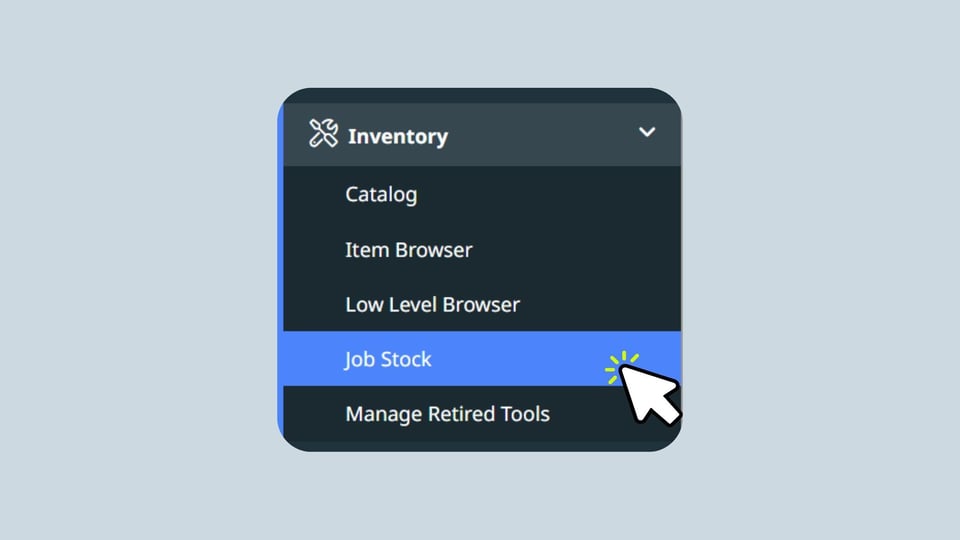
One of the many benefits of using AlignOps Cloud in a Google Chrome browser is that you can have multiple areas across AlignOps open in your browser tabs at once. For example, if you work in the warehouse, you can have the Item Browser, Pick Tickets & Transfers, and Low Level Browser open in different tabs of your web browser, as well as Equipment Usage Logs from your various job sites open in other tabs. By organizing your tabs in this manner, you can quickly switch between AlignOps Cloud tabs as you move through your workflows or start new task

Using browser tabs can increase your workflow efficiency, but to do so, you need to keep your tabs organized. For our Google Chrome users out there, we encourage you to leverage Chrome’s grouped tabs. To learn more, please watch the quick tutorial below from Janan Guillaume, our VP of Product.


If you have any questions or need more help, don’t hesitate to reach out to our customer support team, available Monday through Friday from 6 AM to 5 PM (MST).

Related Blog Posts

What’s New in ToolWatch: Work Order Report, Billing Updates & Filter Enhancements

What’s New in ToolWatch: Work Order Report, Billing Updates & Filter Enhancements

Discover the latest ToolWatch updates, including the return of the ToolWatch name, a new Work Order Charges Report, faster billing workflows, and smarter inventory filters. Manage tools, assets, and data with more control than ever.

Read More
SafetyReports Earns Gartner® 2025 “Best of” Badge

SafetyReports Earns Gartner® 2025 “Best of” Badge

Award-winning SafetyReports by AlignOps enhances construction safety and productivity with innovative, field-first tools, earning the Gartner® 2025 "Best of" Badge for excellence in safety management.

Read More
How to Go Beyond Your Current Capabilities With ToolWatch Cloud

How to Go Beyond Your Current Capabilities With ToolWatch Cloud

Upgrade to ToolWatch Cloud for enhanced accessibility, streamlined workflows, and faster performance, enabling your team to work efficiently from any device, anywhere.

Read More
View All Posts